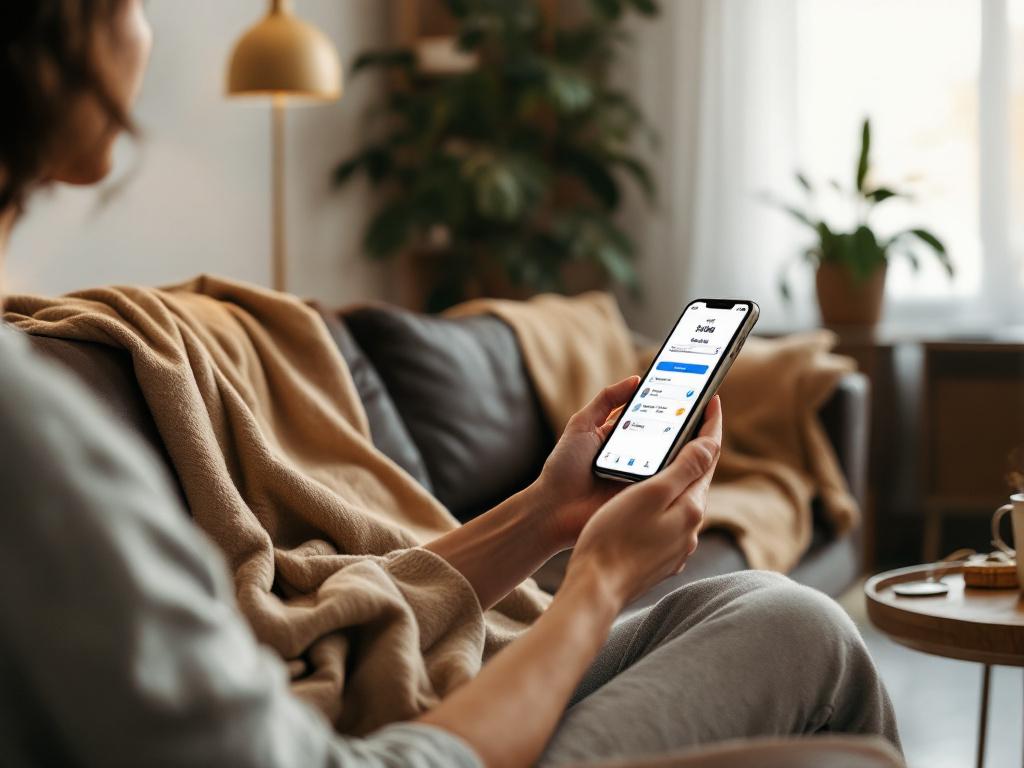
How OpenClaw Turns Text Messages Into Instant Tasks for Your Day
OpenClaw turns your texts into instant tasks—no setup, just smarter scheduling for your day.
Turn Your WhatsApp Clutter Into a To-Do List That Actually Gets Done

Picture this: you’re scrolling through WhatsApp at 9 p.m., your kid’s teacher messages that a permission slip is due tomorrow, your gym buddy cancels your 6 a.m. run, and your partner sends a link to a new recipe for dinner. You read the messages, nod along, and then… you forget.
Tomorrow comes, the permission slip is still unsigned, the gym shoes stay in the closet, and you end up ordering pizza because you can’t remember the recipe.
What if every text message you get could instantly become a task in your day—no copying, no pasting, no remembering? That’s exactly what OpenClaw is doing today, and Claw for All is making it available to anyone, no tech setup required.
Recent headlines show how powerful this idea has become. Just this year, Faraday Future demonstrated a robot that actually takes texted tasks and delivers food—because it can read messages, turn them into actions, and act on them automatically. Meanwhile, headlines like “OpenClaw will do your trades” and “Poke is OpenClaw for normies” show how fast this tech is moving from labs to everyday life.
So let’s talk about how you can turn every message—from WhatsApp to Telegram to email—into real, doable tasks, with zero setup. And yes, Claw for All is how you do it today.
Why Your Brain Isn’t Built for Task Overflow
Your phone is a message magnet. Emails pile up, WhatsApp groups buzz, Telegram channels notify you, and Slack pings at all hours.
And here’s the problem: your brain isn’t designed to remember every “don’t forget the permission slip” or “can you book the vet?” that floats by in a chat.
OpenClaw is changing that. It doesn’t just read messages—it understands them. It can spot deadlines, extract dates, recognize requests like “remind me” or “schedule,” and instantly turn them into tasks in your calendar or to-do list.
So instead of waking up to a mental to-do list of “stuff I read somewhere,” you wake up to a clear agenda: Sign permission slip at 7 a.m., cook lentil curry at 7 p.m.
And with Claw for All, you don’t need to install anything or write code. Just connect your chat apps, and it starts working.
How It Works: From WhatsApp to Your Calendar in Seconds
Let’s walk through a real day with OpenClaw and Claw for All.
Step 1: Connect Your Apps — No Tech Needed
You open Claw for All, tap “Connect WhatsApp,” and log in. That’s it. No terminal, no API keys, no terminal window blinking at you.
You can also connect Telegram, email (Gmail, Outlook), and even work chats like Slack—though we’re focusing on personal use here.
Step 2: Let It Listen for Tasks
OpenClaw scans every message for clues. It looks for:
- Dates: “tomorrow,” “next Monday,” “June 5th”
- Requests: “remind me,” “schedule,” “add to calendar”
- Actions: “send the report,” “call mom,” “buy milk”
For example, if your partner texts:
“Can you pick up groceries after work? We need milk, eggs, and bread.”
OpenClaw doesn’t just file it away. It creates a task:
- Task: Buy milk, eggs, bread
- Due: Today at 6 p.m.
- Source: Partner’s WhatsApp
Step 3: Sync to Your Calendar or To-Do App
You can have tasks go straight to Google Calendar, Apple Reminders, or even a simple list. No syncing, no sync errors.
Imagine this:
- Your kid’s teacher texts: “Permission slip for field trip due Friday.”
- OpenClaw turns it into: “Sign permission slip – Friday”
- It appears in your calendar at 8 a.m. on Friday with a reminder.
No more forgetting. No more last-minute scrambling.
Step 4: Get Alerts Where You Already Are
You don’t need to open a new app. Tasks can pop up as notifications on your phone, just like regular reminders.
And because Claw for All runs in the background, it keeps learning your routine. The more you use it, the better it gets at predicting what’s important.
Real-World Examples: What This Looks Like in Daily Life
Let’s look at a few scenarios where OpenClaw and Claw for All turn digital noise into action.
1. The Permission Slip Crisis
Message: “Field trip permission slip due next Tuesday. Don’t forget!”
What happens without OpenClaw: You read it, think “I’ll do it later,” and forget by Monday.
With OpenClaw: It creates a task: “Sign permission slip – Tuesday at 7 a.m.” It appears in your calendar with a reminder. Done.
2. The Gym Buddy Drama
Message: “Can’t make 6 a.m. run tomorrow. Rainy day.”
What happens without OpenClaw: You cancel mentally but don’t reschedule. You sleep in. The habit dies.
With OpenClaw: It sees “can’t make 6 a.m. run tomorrow” and cancels the event in your calendar. Now you can book a 7 a.m. slot instead.
3. The Dinner Panic
Message: “Can we try that lentil curry recipe you saved?”
What happens without OpenClaw: You have to remember which recipe, find the ingredients, and block time.
With OpenClaw: It spots “lentil curry recipe” and links to the saved link. It also creates a task: “Cook lentil curry – Thursday at 7 p.m.”
Now, when Thursday rolls around, you open your calendar and see:
- 7 p.m. – Cook lentil curry (link included)
No hunting. No forgetting.
4. The Work-from-Home Overwhelm
Message: “Hi team, please submit your reports by EOD Friday.”
What happens without OpenClaw: You read it, think “I’ll do it Friday,” but by Friday you’re swamped.
With OpenClaw: It extracts “submit reports by EOD Friday” and creates a task: “Submit team report – Friday at 5 p.m.”
It even adds a reminder at 3 p.m. to start.
Beyond Tasks: What Else Can OpenClaw Do?
OpenClaw isn’t just for turning messages into tasks. It’s a full personal AI assistant—and with Claw for All, you get access without the setup.
Here are a few more things it can do:
- Automate email responses: If someone emails “Can you send the slides?” it can reply: “Sure, sending in 5 minutes,” then draft and send the attachment.
- Browse the web for you: Ask it to “find the best sushi place near me,” and it’ll search, compare reviews, and give you a list.
- Schedule meetings: “Book a 30-minute call with Alex next Tuesday at 2 p.m.” — it handles the back-and-forth.
- Summarize long chats: If a group chat gets too long, ask OpenClaw to summarize the key points.
And yes—this is all happening now. Headlines like “AI agent OpenClaw will do your trades” and “Faraday Future shows a robot that takes texted tasks” show how fast this tech is scaling.
But with Claw for All, you don’t need to be a developer or a billionaire to use it.
Tips to Get the Most Out of OpenClaw and Claw for All
Want to supercharge your use? Here are some practical tips:
1. Use Clear Language in Messages
OpenClaw works best with natural but clear requests. Instead of:
“Don’t forget to call Mom sometime”
Try:
“Remind me to call Mom at 7 p.m. tomorrow”
It’s easier to extract intent.
2. Name Your Groups Strategically
If you have a WhatsApp group called “Kids School Stuff,” label it clearly. OpenClaw can prioritize messages from that group and flag important ones faster.
3. Set Default Reminders
You can tell OpenClaw: “Remind me about messages from my partner 30 minutes after they arrive.” Now you’ll never miss a grocery list.
4. Use It for Routine Tasks
- “Add ‘buy dog food’ to my shopping list”
- “Remind me to take the trash out at 8 p.m.”
- “Schedule a vet appointment for next month”
These become automatic.
5. Check the Log
Claw for All keeps a simple log of all tasks created. If you ever doubt whether a message was processed, you can check.
What About Privacy and Security?
This is a big one—especially with headlines like “OpenClaw security risks: What security teams need to know.”
Good news: Claw for All is designed with privacy in mind.
- Messages are processed securely and not stored long-term.
- You control which chats are connected.
- No one else can access your data.
And because it runs in a secure cloud (not your device), you don’t have to worry about storage or crashes.
But always use trusted services. Claw for All uses enterprise-grade security, but it’s up to you to connect only the apps you trust.
The Bottom Line: Your Messages, Your Assistant
You’re not supposed to remember every text. You’re supposed to live your life.
OpenClaw turns that flood of messages into a quiet, reliable assistant—one that reads, remembers, and acts, so you don’t have to.
And with Claw for All, you don’t need to be a developer, a CEO, or a robotics engineer to use it.
You just need a phone, a few taps, and a willingness to let technology handle the remembering.
So next time your partner texts the grocery list, your kid’s teacher sends a deadline, or your gym buddy cancels a session—don’t just read it.
Let OpenClaw and Claw for All turn it into a real task. One that actually gets done.
Ready to Try It?
Head over to clawforall.app and connect your first chat app today.
It takes under a minute. And by tonight, you might just wake up to a calendar that finally matches your real life.
No terminal. No setup. Just an assistant that works while you sleep.
Pronto para seu assistente de IA?
Comece com o Claw for All hoje. Sem configuração, sem terminal, é só se cadastrar e usar.
Começar